
Logistics and drones: moving ore across the map
Long-distance transport is the question players are asking loudest in the launch discussions, and the developer has already shipped a patch aimed at it: v0.5.13 "Drone logistics improvements" landed on September 18, 2026 — five days before Early Access opened. The rest of the answer comes from what the official feature list says about terrain and logistics.
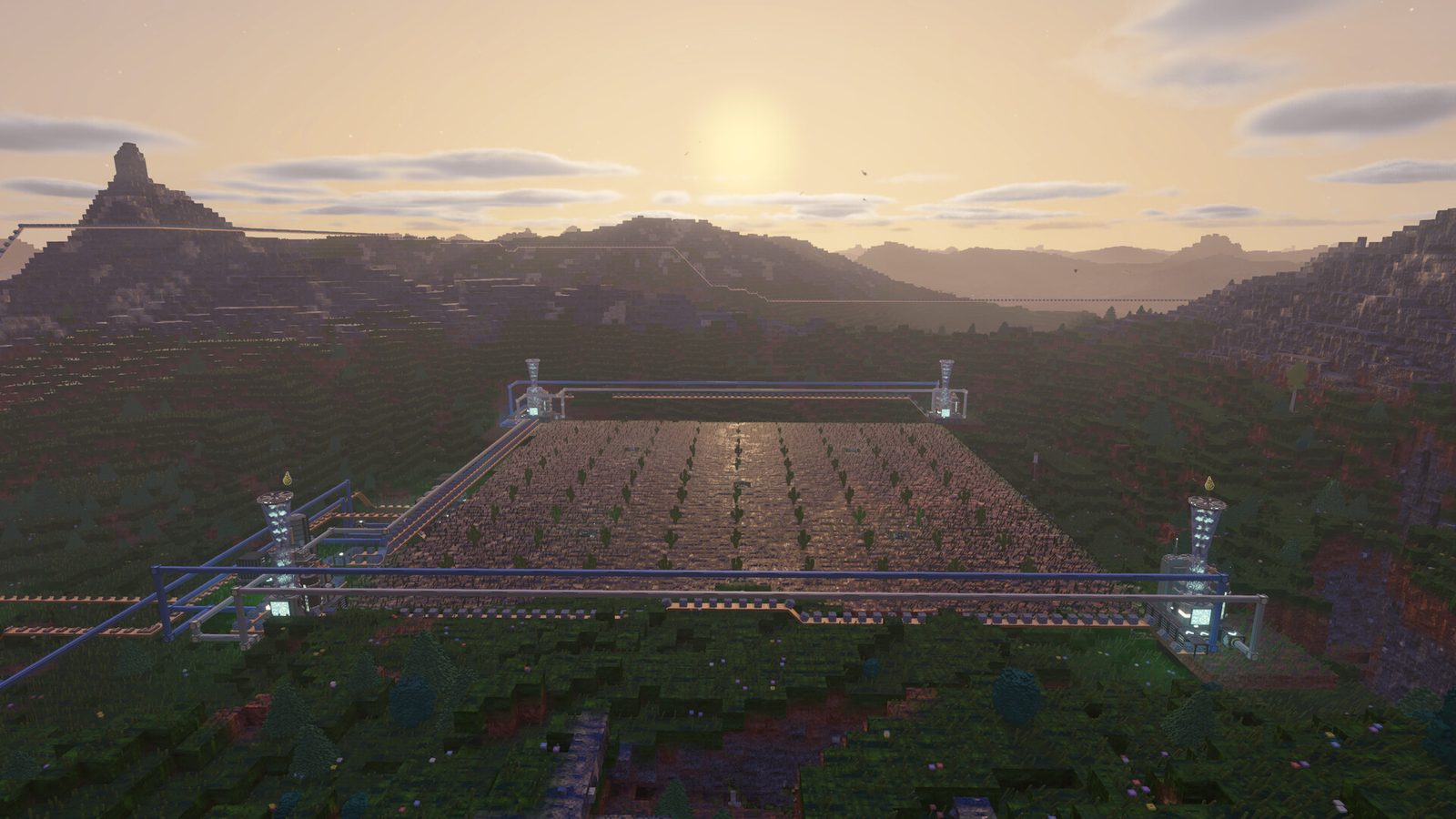
The four ways across the map
The official feature list names terrain reshaping as a logistics tool outright: you can dig shafts to deep ore veins, carve canals for your cooling water, flatten mountains for a mega-factory, or tunnel your logistics straight through rock. That last one is the point — tunnels are a intended route, not a workaround.
| Approach | What it is good for | What to watch |
|---|---|---|
| Belts and pipes on the surface | Short-to-medium runs, visible and easy to re-route | Distance is the cost; terrain gets in the way |
| Tunnels through rock | Crossing a mountain instead of over it | The official list calls tunneling your logistics an intended move |
| Drone logistics | Long runs once production justifies it | Shipped in v0.5.13 with improvements; still recent |
| Relocating the factory | When ore, water and flat ground disagree | Often cheaper than a very long route |
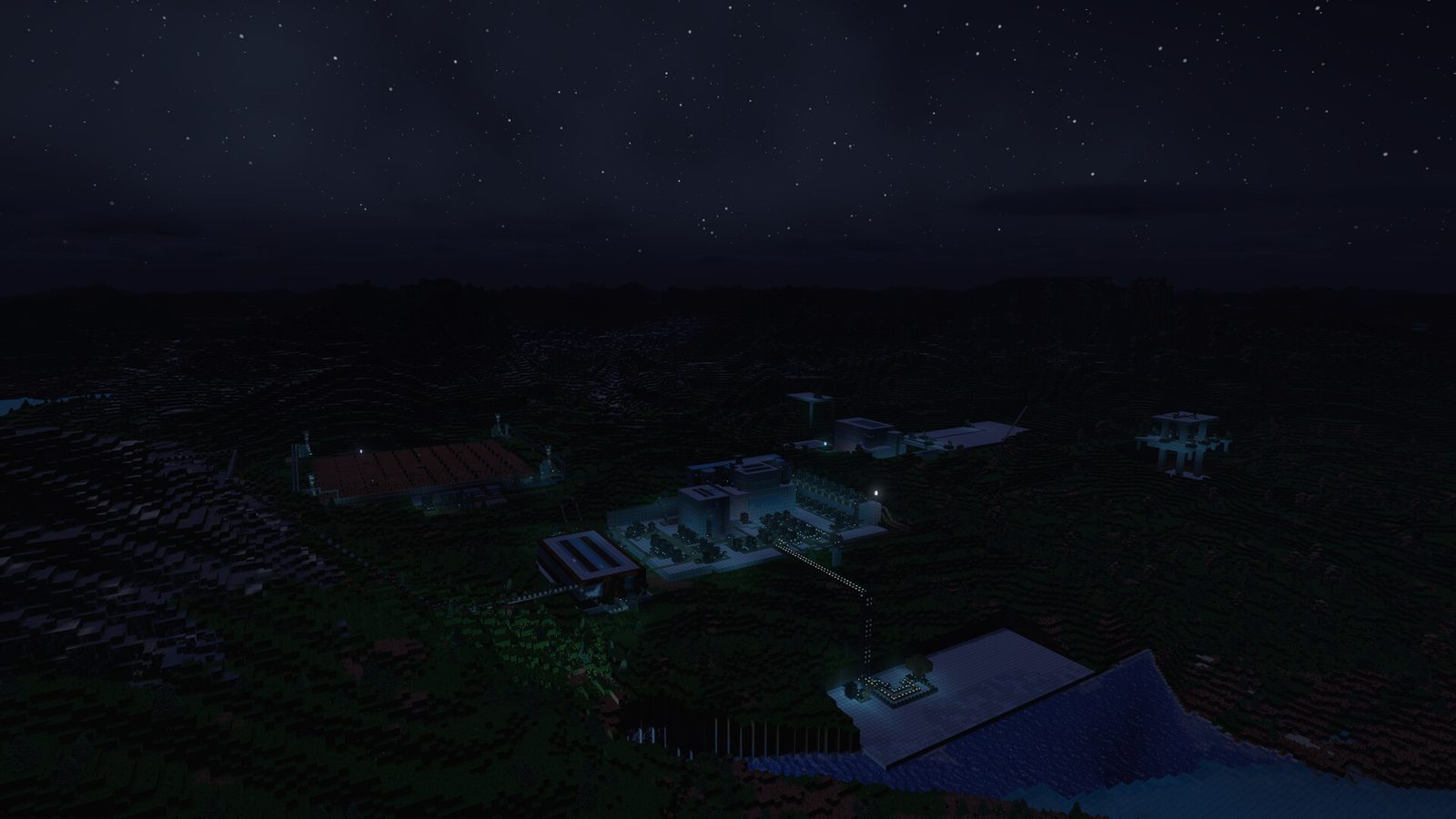
Route length is visible in this official night shot: the buildings are lit and linked by runs of pipe and conveyor across open terrain, which is exactly the span the table above is asking you to judge.
What v0.5.13 through v0.5.21 changed
Patch titles are the most reliable public record of what is in flux right now, taken from the official Steam news feed:
| Patch | Date | Title |
|---|---|---|
| v0.5.21 | Oct 19, 2026 | Settings Sync through Steam Cloud (settings, keybinds and language follow you to a new PC; graphics and display stay per machine); Exit Save from Alt+F4 or the window close button; Japanese and Traditional Chinese translation fixes |
| v0.5.20 | Oct 17, 2026 | Drones refuel at the Fuel Depot that gets them home soonest; pausing a depot reroutes its drones; unpowered Drone Ports send nothing; pins and Ports filter/sort; blueprints carry Port requests |
| v0.5.19 | Oct 8, 2026 | Work Order priority (nearest work first, or list order); building overlays show power and computing priority; volcano schedules while away; Build Cards show average solar/wind output; Maintenance shows repair packs per hour; crash fix |
| v0.5.18 | Oct 3, 2026 | Keep in Inventory rules; Work Orders persist and save; Undo last mark (Ctrl+Z); Clear the Way; Aim Guides |
| v0.5.17 | Sep 27, 2026 | Inventory without slot limits — carry any mix of item types up to one total (10,000 base); Carry Capacity +1,000/level; Stack Size research removed; world-height build fix |
| v0.5.16 | Sep 26, 2026 | Flow View, Area Guides, smarter Routers — belts beside a Router side auto-feed; T-joins draw; dead Routers warn |
| v0.5.15 | Sep 24, 2026 | Pump system rework — Pipe Flow overlay, 10 Hz fluid move, pipe colour fade |
| v0.5.14 | Sep 21, 2026 | Pipe-to-pipe pumps, pump temperature filter, four new trees |
| v0.5.13 | Sep 18, 2026 | Drone logistics improvements |
| v0.5.12 | Sep 14, 2026 | Router clusters??? |
| v0.5.9 – v0.5.11 | Sep 11, 2026 | Bug fixes and polish |
| v0.5.5 – v0.5.8 | Sep 6, 2026 | QoL and better light configurations |
| v0.5.1 – v0.5.4 | Sep 2, 2026 | Achievements, Cloud saves and QoL |
| v0.5.0 | Aug 29, 2026 | End game goal, events, farming... |
"Router clusters???" three days before launch is the one to read if you are moving lots of items. v0.5.16 then changed three Router rules that used to look like bugs:
- A belt that starts beside a Router side is fed automatically. A belt that only runs past that side still needs the feed switched On.
- A belt a Router feeds from the side now draws as a corner or T junction, so you can see the join.
- A Router with only inputs or only outputs — nothing can pass through — now shows a warning icon.
Treat leftover "this Router is eating my belt" clips from before September 26 as stale.
The planner's view of moving things
The in-game Production Planner is how the game wants you to size a transport problem. Its summary panel totals Total buildings, Grid power and fuel burn for a plan, and it flags a single Bottleneck with a multiplier — in the official screenshot, Foundry MK 2, x7.11. If you are hauling ore a long way, the planner tells you whether the distance is your problem or whether one machine upstream is starving the line anyway.
It also carries an explicit caveat in its own footer: "Estimates: machines assumed at 100% rate. Weather, heat and wear are not counted." That sentence is the reason logistics plans drift — heat and weather are simulated, and the planner assumes they are not. Full breakdown on the Production Planner page.
Storage between long runs
"storage" is an open player thread (Dark_Robyzorf), and buffering is the standard answer to any long route: put storage where two rates disagree, so a temporary upstream slowdown does not halt everything downstream. What we cannot yet confirm is which storage types exist, their capacities, and whether fluid storage behaves differently from item storage.
When a remote route waits instead of delivering
In v0.5.20, an unpowered Drone Port or one lacking computing sends and supplies nothing. A waiting port names the dependency in its warning. Restore power and computing before adding drones; check the Fuel Depot panel for its fill rate and waiting drones. Pausing a depot sends drones to another depot or home.
For factory-wide battery charging priorities and the revised storage figures, see Heat & Steam. For changed deep-extraction output and farm requirements, recalculate through the Production Planner. These are v0.5.x rules; the October 31 nuclear and logic-network post is an upcoming 0.6 preview.
Next: Production Planner · Fluids & Pipes · FAQ & Known Issues
What v0.5.19 changed for long routes (October 8)
- Work Order priority: your nanobots now take the nearest work first. Switch Priority to List order at the top of the Work Orders panel (N) to make them follow the list instead. On a long route, that is the difference between drones clearing the near half of a mining area and walking past it to whatever was marked first.
- Work Orders now draw one outline for a marked area, and hovering the order in the panel lists every block still left — the fastest way to see what a far-off order still owes you.
- Building overlays show power and computing priority above buildings whenever it is not the default. Turn it off again in Settings → Building Overlays.
- Volcanoes with anything built near them now erupt on schedule while you are away. If your base sits next to one, that is a new failure mode worth planning for.
- Build Cards for Wind Turbines and Solar Panels now show average output through the weather next to their peak — power planning on a weather map stops being guesswork.
- Maintenance box shows the repair packs a building will use per hour while you are placing it.
- The tutorial now starts with the Materials Bar on screen, and the ore step introduces Area Mine and the Work Orders panel.
Fixes: marked trees and buildings showed a raised box at their base instead of a flat outline, and the F3 / F6 keys no longer switch on debug views that record nothing useful.
What v0.5.20 changed for long routes (October 17)
- Drones now refuel at the Fuel Depot that gets them home with a full tank soonest, not the nearest one; pausing a depot sends its drones to another depot or home, and its panel shows the pad drone, the fill rate and the drones waiting.
- A Drone Port with no power or no computing sends and supplies nothing, and a port waiting on one names it in a warning.
- Blueprints now carry a Drone Port's requests, including with Copy all settings, so a rebuilt port does not need its requests entered by hand.
- Map updates: pins and Ports filter by name, Ports sort by name or distance, and paused ports and depots show a pause icon.
- Fixes: drones piling up over unpowered ports and stalled depots, the wrong Job line on a Drone Port, and ports that re-sent their drone after every delivery instead of waiting for Refill at.
What v0.5.21 changed (October 19)
- Settings Sync through Steam Cloud. Settings, keybinds and language now follow your Steam account to a new computer or a fresh install; graphics and display settings stay with each machine.
- Exit Save. Closing the window with Alt+F4 or its close button now saves the world first, the same as Save & Quit in the menu.
- Translation fixes. Japanese and Traditional Chinese no longer render many characters in their Simplified Chinese forms.